
Your logo in AmpliFlow navigation
You can now use your company logo in navigation. You can also organize checklist templates in folders and choose when a new shared-step version takes effect in a published template.
What’s new
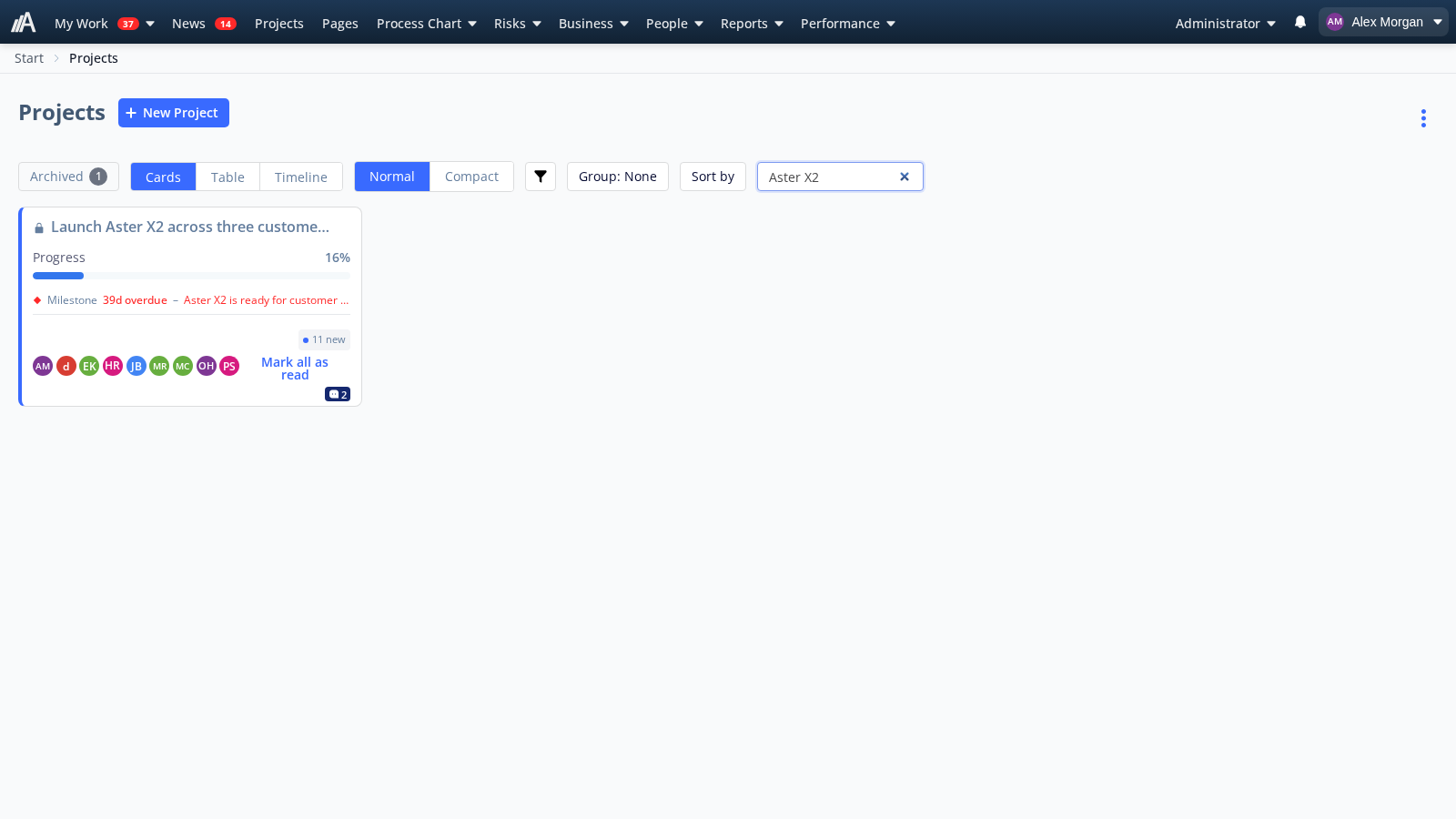
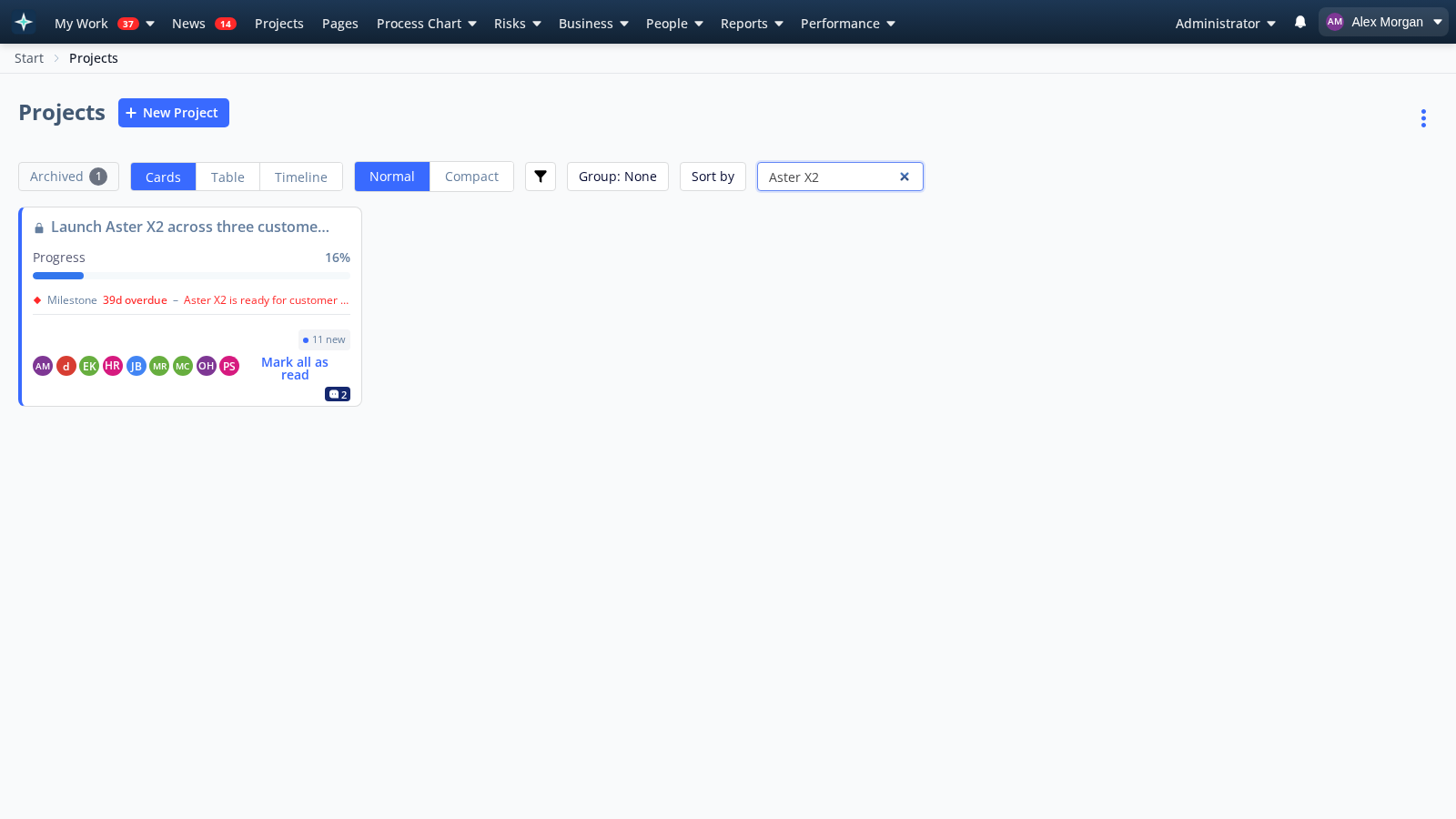
Your company logo
Administrators can add your company logo in General settings. The logo appears in navigation for signed-in users and can be cropped or removed.
Folders for checklist templates
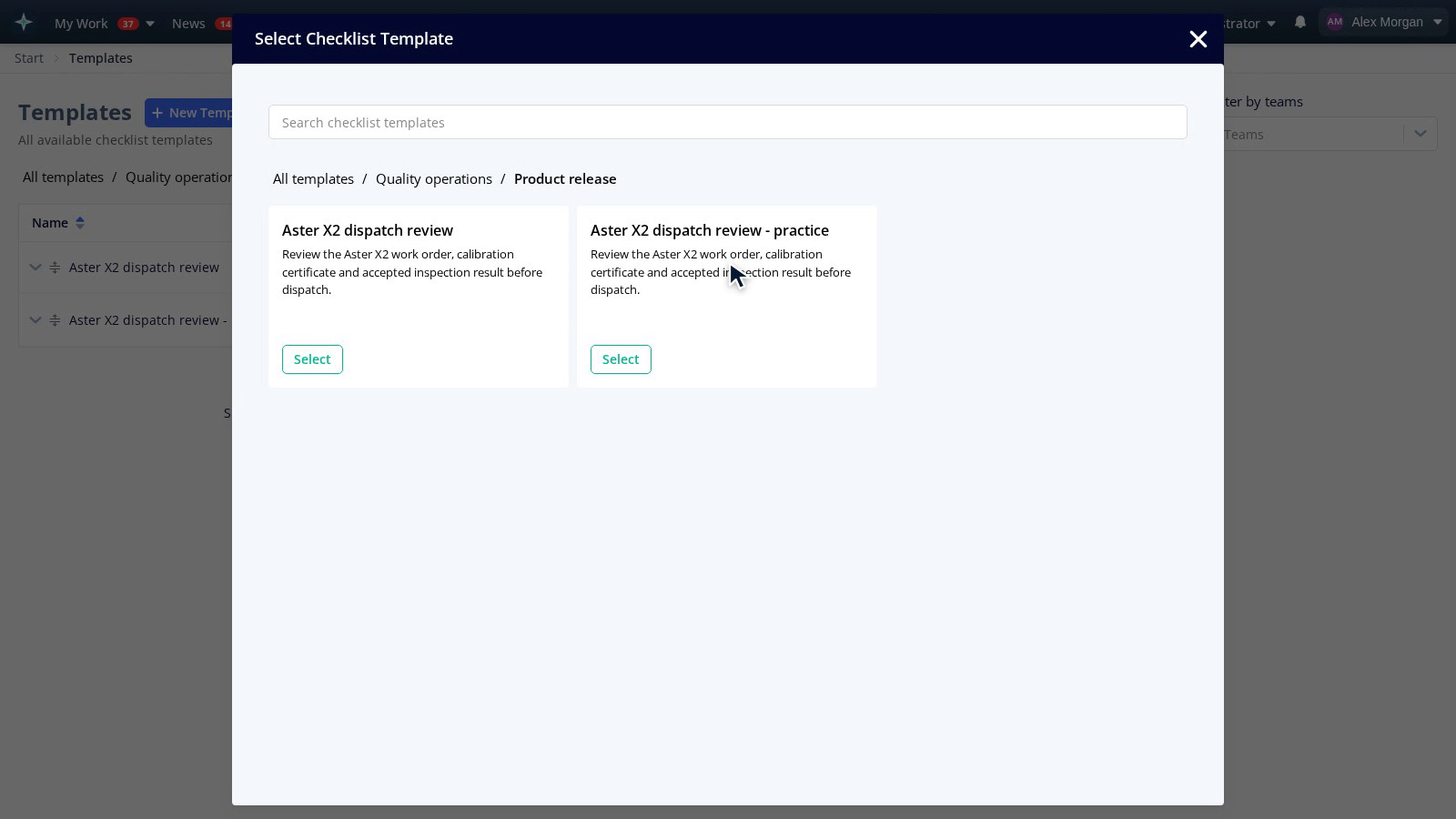
Group checklist templates by work area or recurring check. The same folder structure appears in the template library and when choosing a template to start a checklist.
- Administrators and users with the Mapper role can create subfolders and move templates between folders, using drag-and-drop or the menu.
- Search finds templates outside the folder you have open. Existing template permissions still apply.
Improvements
Shared steps
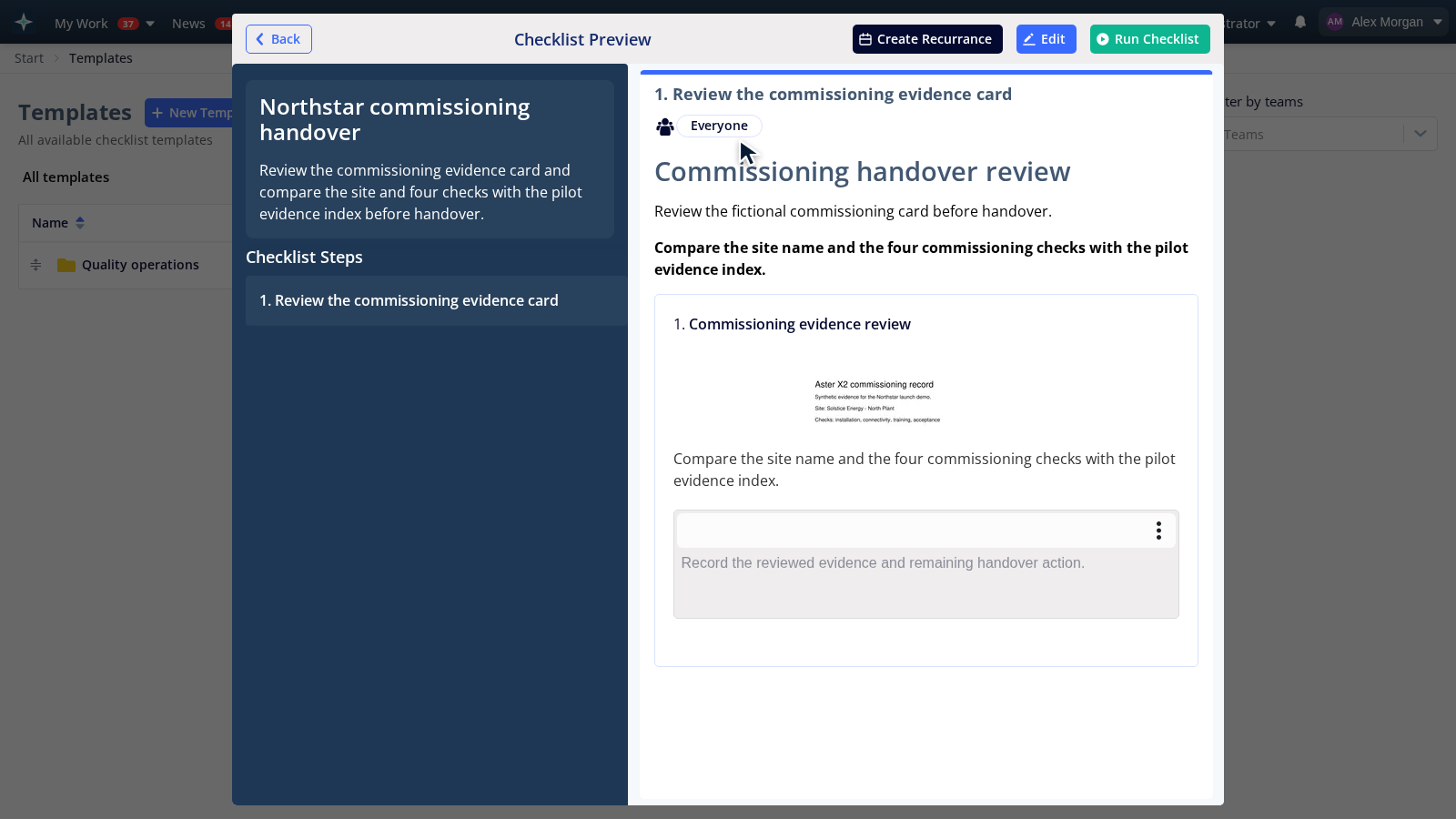
- Descriptions for shared steps and their activities can include formatted text, links and images. Add new images to the description; existing activity photos remain available.
- When a shared step has a new version, you can choose “Update to latest” in the checklist template. The published template keeps its previous version until you publish the change. Other templates are not updated automatically.
Feature settings
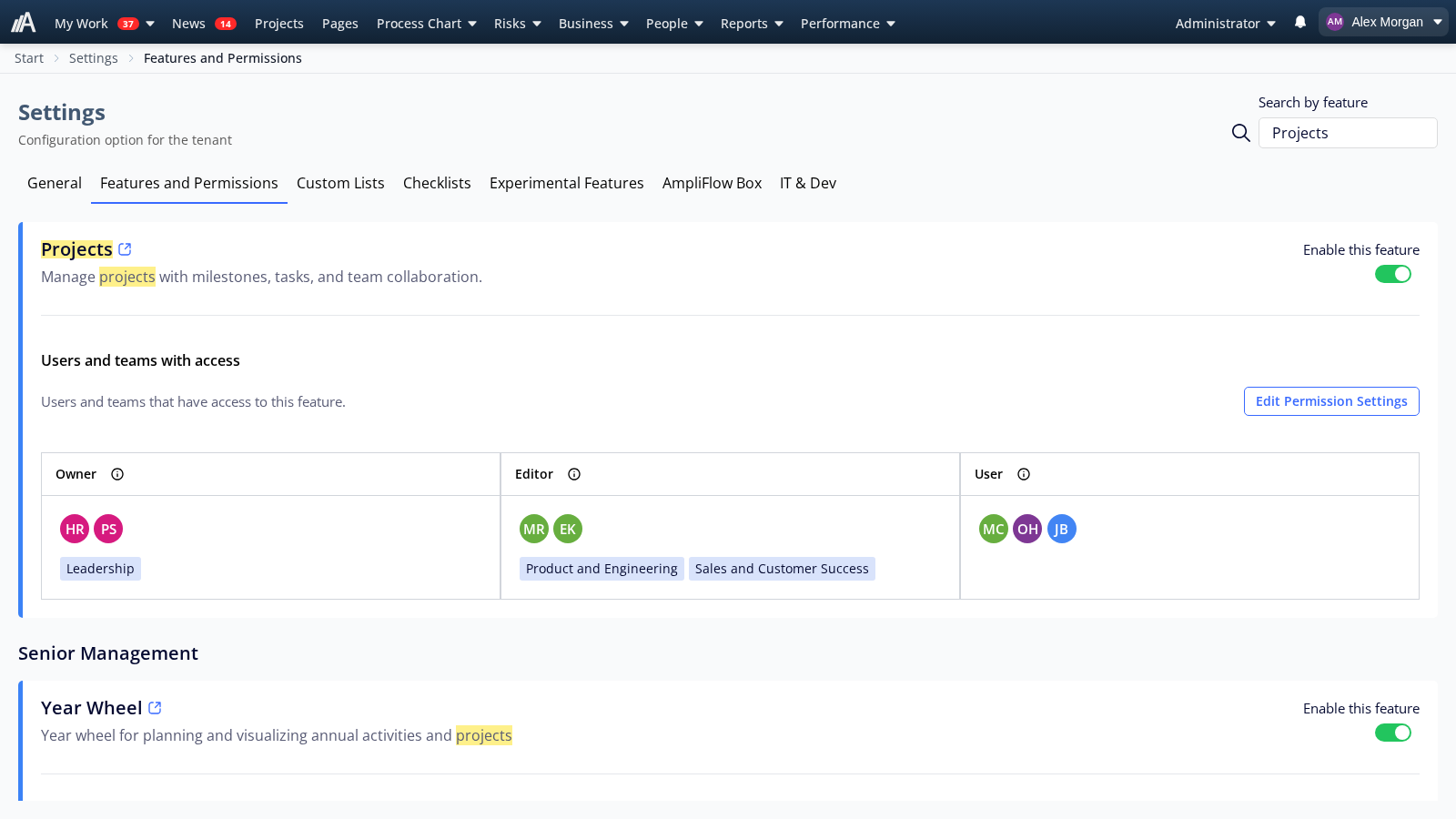
News, Projects, Timesheets, Controls and Year Wheel have moved from Experimental features to Features and permissions. Your saved selections and permissions are preserved; the move does not enable features automatically.
Project activities
- Marking project activities as read also updates unread indicators for the related task comments and discussions. Reading a thread updates its activity indicators too.
Fixed bugs
Goals and progress
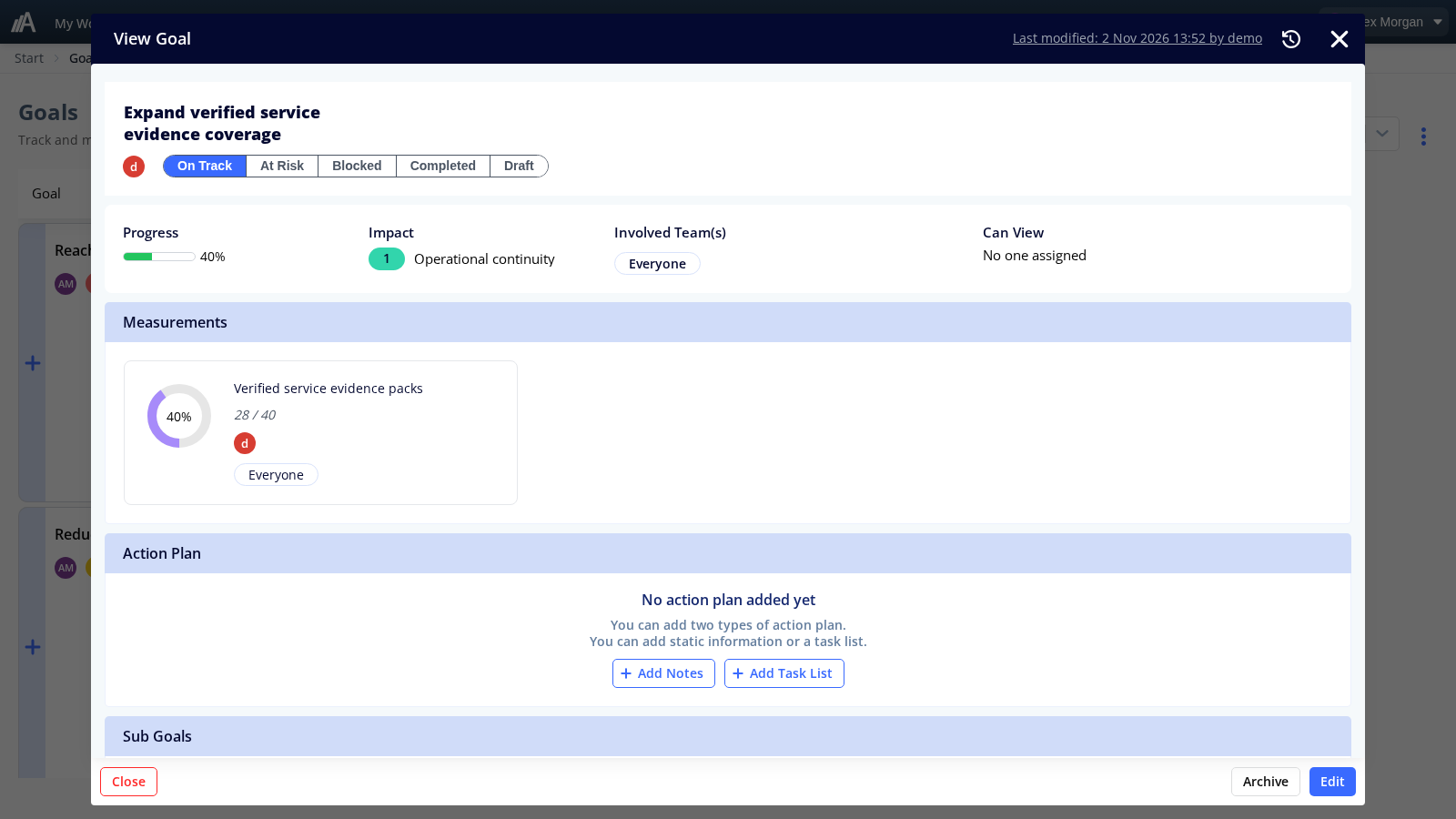
- Progress towards targets that increase or decrease a value is now calculated from the starting value towards the target value.
Templates and checklists
- Shared steps no longer disappear from the library when a template is saved or a template draft is discarded.
- Checklist steps no longer try to read the print queue when AmpliFlow Box is disabled.
Projects and activities
- The link in an activity-assignment email opens the checklist or deviation at the assigned activity and briefly highlights it.
Registers and read-only views
- The status filter in the Legislations view is now on the Status column, not the Type of legislation column.
- Custom-list permission settings can be opened even when a list has no previous permission assignments. Existing assignments are preserved.
- Read-only text editors can switch to source view again to read and copy content, even when the formatted view cannot be displayed. The content remains read-only.
- Process charts can once again show an empty deviation summary without an error.
Contact us if you would like help organizing checklist templates or updating a shared step.
This page is also available in Swedish.